Desktop app
Nerd
A local PHP, Laravel, JavaScript and .NET development environment for macOS. An open-source alternative to Laravel Herd.
- Year
- 2026
- Type
- Desktop app
- License
- MIT
- Built with
- Swift, SwiftUI
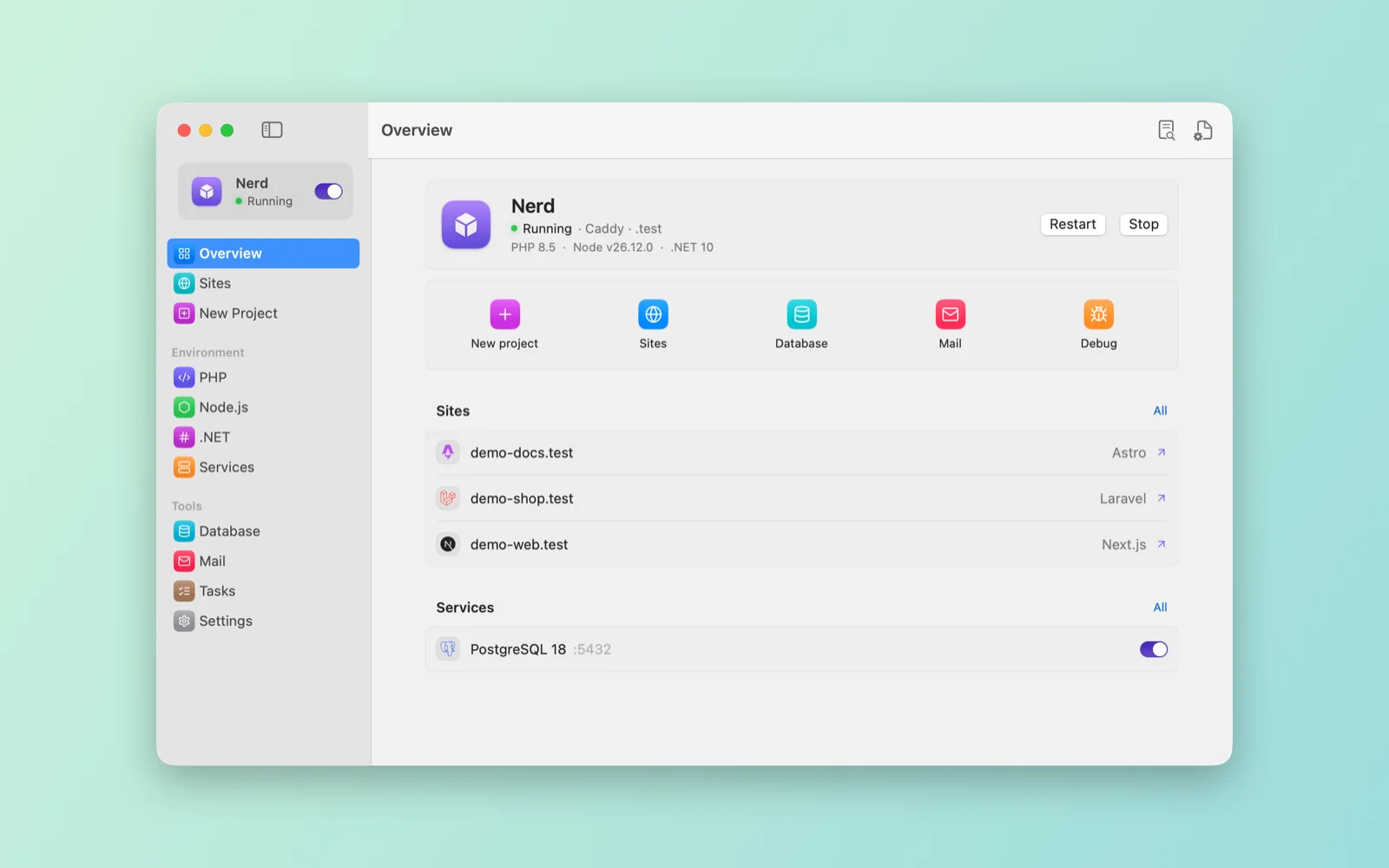
Nerd is a local development environment for PHP, Laravel, Next.js, Astro and .NET on macOS, an open-source alternative to Laravel Herd. It runs from the menu bar.
I built it as a native app in SwiftUI. Every folder in ~/Sites becomes a site at name.test, served by Caddy and PHP-FPM, or by the project’s own dev server for Next.js, Astro and ASP.NET. It sets up new projects, switches PHP and Node versions per site, runs databases and other services, catches outgoing mail and writes Docker files for deployment.
Built with Swift and SwiftUI.
What it does
- Sites at
name.testwith local HTTPS, through Caddy and a small DNS resolver inside the app..localhostworks with no setup at all. - A project wizard: Laravel with the Blade, Livewire or Inertia (React, Vue, Svelte) starter kits, Next.js, Astro, ASP.NET (Razor Pages, MVC, Web API, Blazor), an empty PHP folder or any Composer package. It can set up the database, run migrations, build the frontend and start a Git repository.
- PHP 7.4 to 8.5 from Homebrew, Node versions from nodejs.org and .NET SDKs 8 to 10, with a default for the terminal and an override per site.
- MySQL, MariaDB, PostgreSQL, Redis, Valkey, Memcached, Mailpit, Meilisearch and MinIO through
brew services. - A mail catcher on port 2525 with HTML, text and source views. New Laravel projects send their mail to it.
- A database browser for SQLite, MySQL and PostgreSQL: sort, page through rows, edit cells and run SQL.
- A debug window that shows
dump()anddd()output and Laravel exceptions as they happen, follows the web server, PHP and Laravel logs and dev servers live, and turns Xdebug on or off per PHP version. - Composer from Homebrew when you have it; otherwise Nerd installs the official composer.phar and keeps it updated.
- A
nerdterminal command, like Herd’sherd: park and link folders, open and secure sites, pick a PHP version per site, and add proxy sites for anything on a local port. - An MCP server, so AI tools such as Claude Code and Cursor can list sites, control services, read logs, query databases and read caught mail.
- Docker files for Dokploy: a production Dockerfile and docker-compose.yml per project, with PostgreSQL, MySQL or Redis when you want them and queue and scheduler services for Laravel. Forge needs nothing extra.
- System, light or dark appearance, in English and Turkish.
Install
It needs macOS 15 or later, on Apple silicon or Intel. Install it with Homebrew:
brew install --cask mdenizay/tap/nerd
The app is signed and notarized, and Homebrew installs Caddy with it. It updates itself from GitHub releases and checks each download against the developer signature before installing it. On first launch, the Overview screen sets up the .test resolver, which asks for your password once, and adds ~/.nerd/bin to your PATH.
Settings, logs and caught mail live in ~/.nerd/.
Build from source
You need Xcode 16 or later.
git clone https://github.com/mdenizay/nerd.git
cd nerd
./scripts/build-app.sh
open build/Nerd.app